
Calendar
See your events and planned activities by month, week, or day, colour-coded by life area, and confirm the plans you approve.
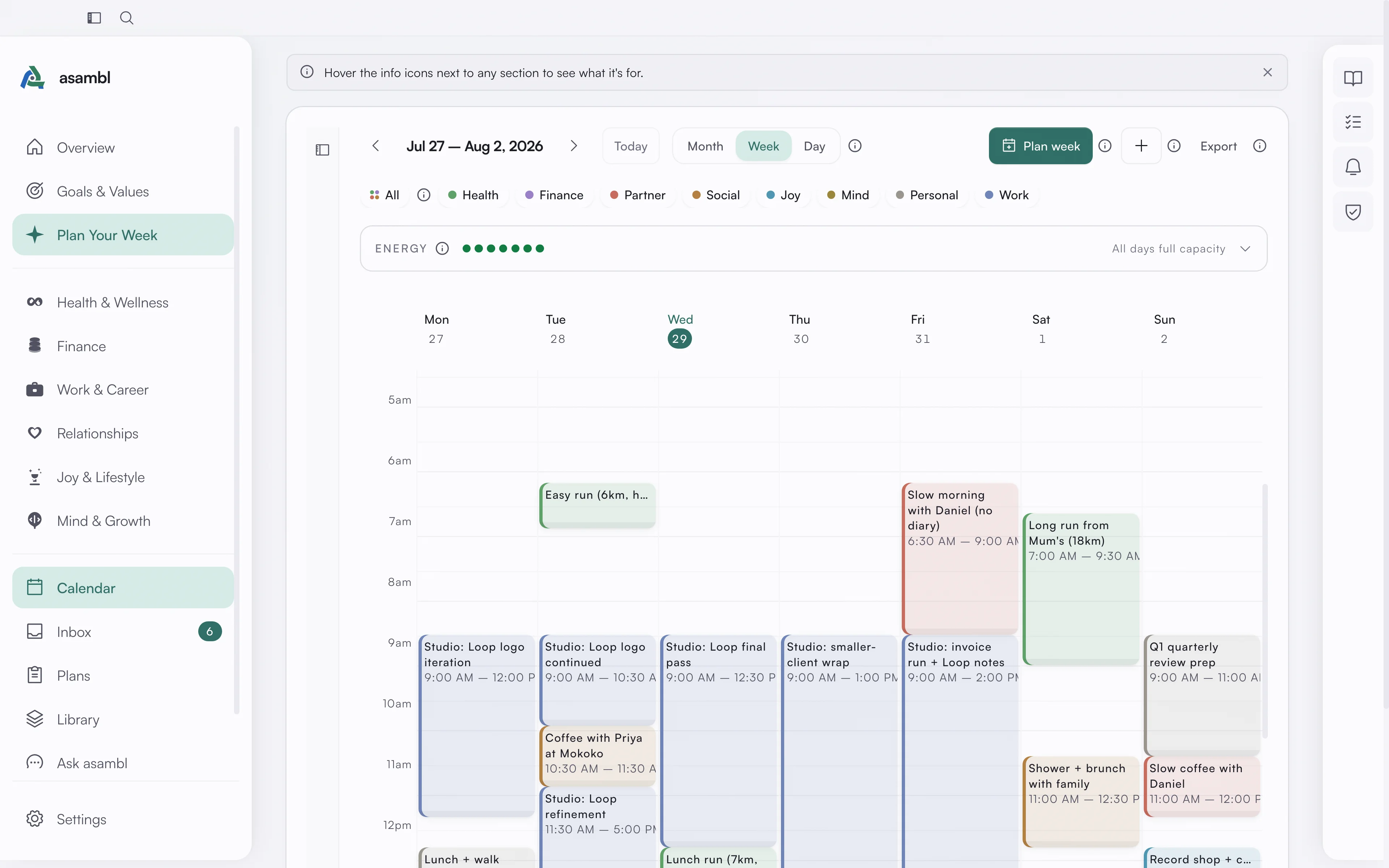
The calendar shows your events and planned activities in month, week, or day view, colour-coded by life area so you can see how your time is distributed across Work & Career, Health & Wellness, Relationships, and the other areas you track.
Views
Switch between month, week, and day views depending on how close you need to look. Month view gives you the shape of your commitments at a glance. Week and day views show the detail, including overlapping events and the gaps between them. Because every event carries its life-area colour, you can read how your time is distributed without opening anything.
Creating and editing events
You can create and edit events directly on the calendar. Click an empty slot to add an event, or open an existing one to change its title, time, or life area. Drag an event to reschedule it, and set recurring events for anything that repeats, such as a weekly review or a standing call.
Proposed plans
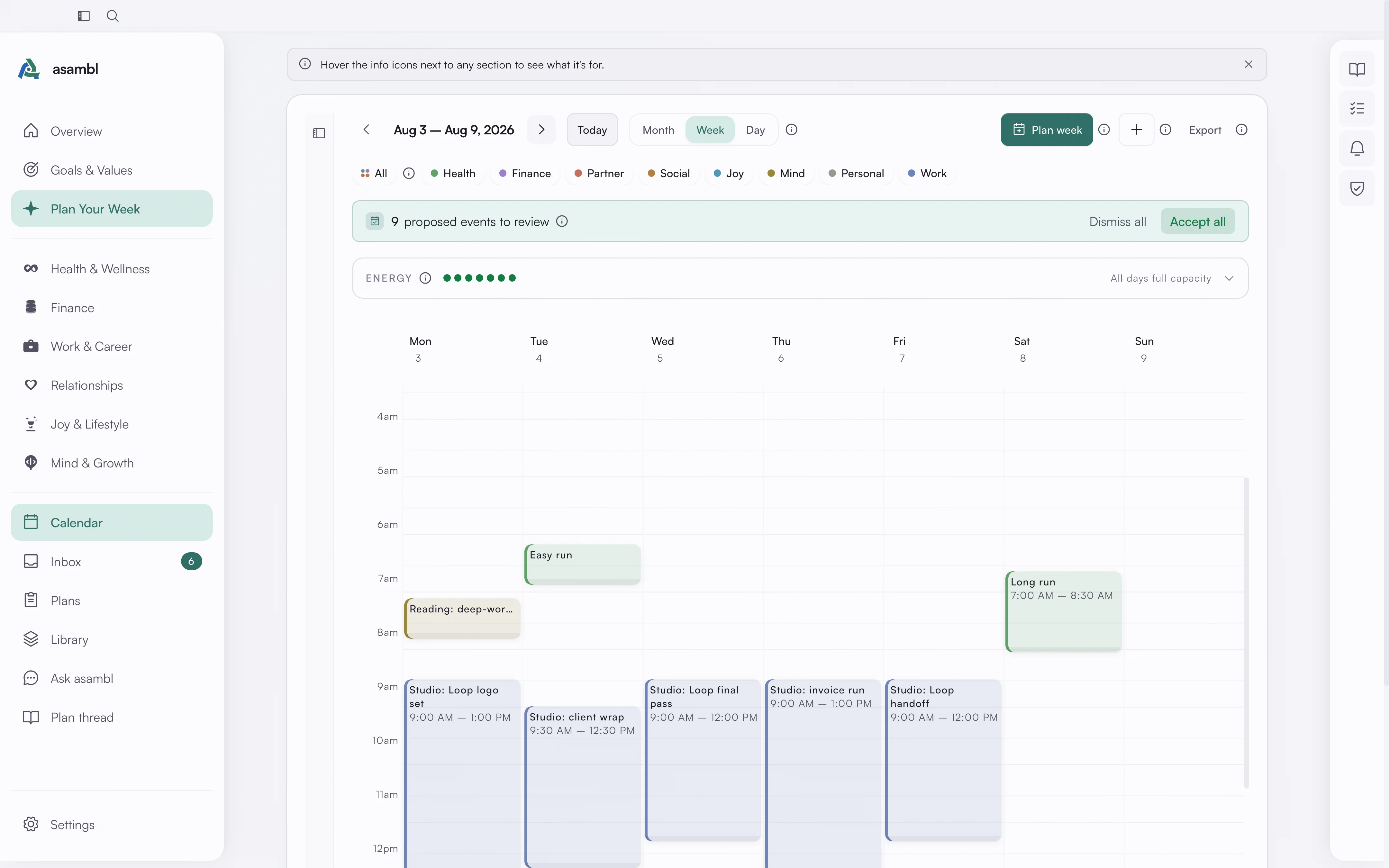
Plans you approve arrive on the calendar as PROPOSED events. They appear in a dashed style so you can tell them apart from confirmed events at a glance, and a review bar with an "Accept all" action sits at the top while any proposals are pending.
Accepting a proposal confirms it: the dashed style resolves into a solid, colour-coded event in its life area. Nothing is committed until you accept it.
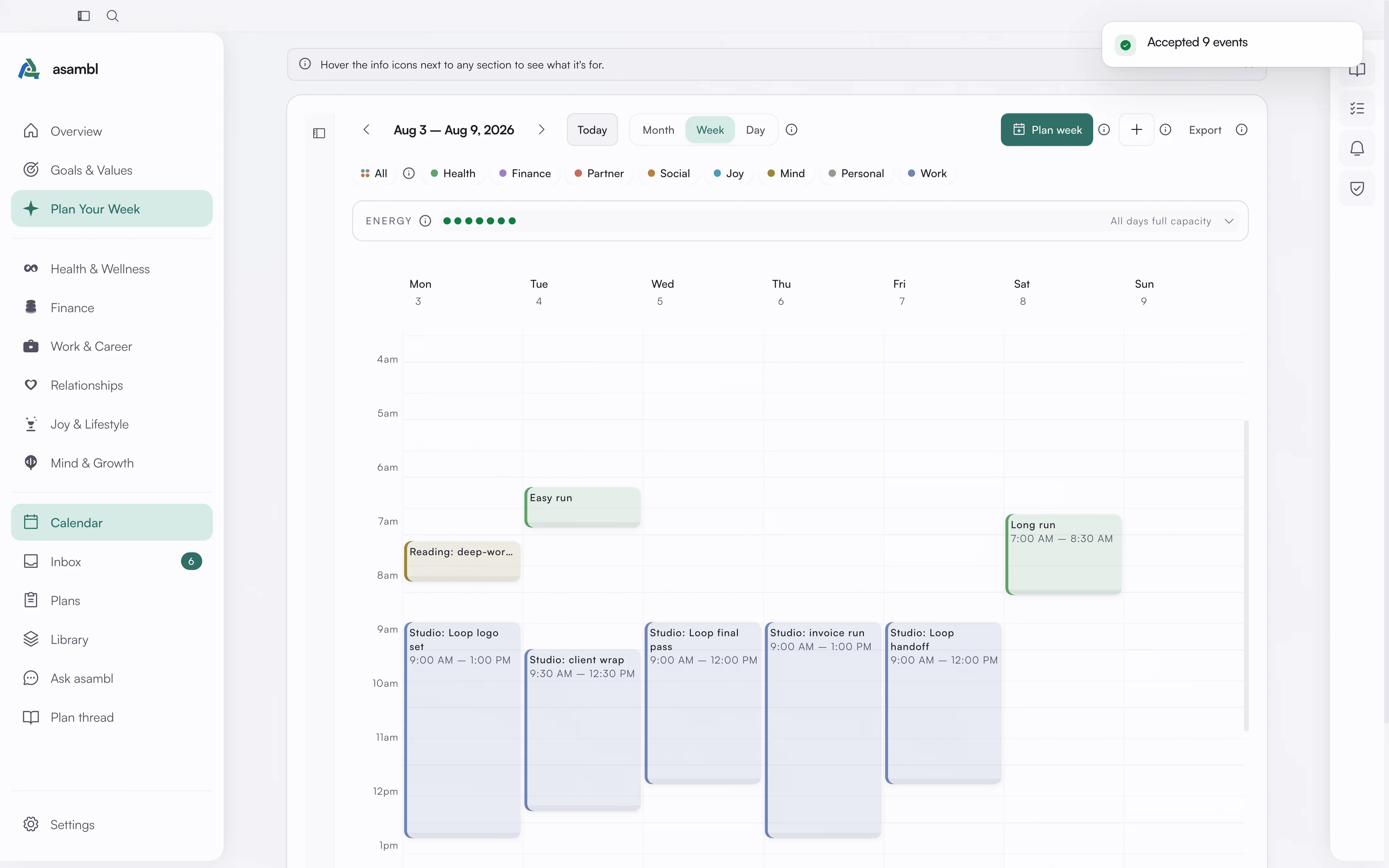
Once you have accepted the proposals for a week, the calendar reads as a confirmed, colour-coded plan. Each block shows which life area it belongs to, so a balanced week and a lopsided one both become obvious at a glance.
Reminders on the grid
Reminders with a set time appear as chips on the calendar. Click one to mark it done, snooze it, or open it to edit, without leaving the calendar. See Reminders.
Routines
A routine lands as a single recurring block rather than a scatter of small ones. Click the block to get a checklist for that occurrence, tick the steps off independently, and the block marks itself complete when they are all done.
Insights
Beyond the raw grid, the calendar can summarise how your week actually breaks down. Time by area totals your planned hours per life area, so you can see at a glance whether the week leans too hard on work or leaves nothing for rest. Energy bands overlay your higher- and lower-energy stretches across the days, so you can judge whether demanding blocks land when you have the energy for them.
Google Calendar sync
Connect Google Calendar for two-way sync. Your external events show up here alongside your asambl events, so you are working against a single picture of your time rather than checking two places. Confirmed asambl events sync back to Google Calendar, which keeps your other devices and anyone you share availability with up to date.
You connect by signing in through Google once, after which asambl keeps the two calendars in step automatically, refreshing about every thirty minutes.
During the beta, Google Calendar connects only for accounts on the beta allow list. If it does not connect first time, that is why: open Settings, go to Integrations, and request access from there.
Connecting is optional. If you leave it disconnected the calendar still works fully for everything you create and plan inside asambl, and you can export any week as a standard .ics file to bring into another calendar app.