
Finance
Spending, fixed costs, savings and debt, plus the Your numbers view that turns them into cashflow, projections and a payoff timeline.
Finance holds what you earn, what you spend, what you owe, and what you are building. The area is organised around three things: your fixed costs, your logged spending, and the Your numbers view that reads both.
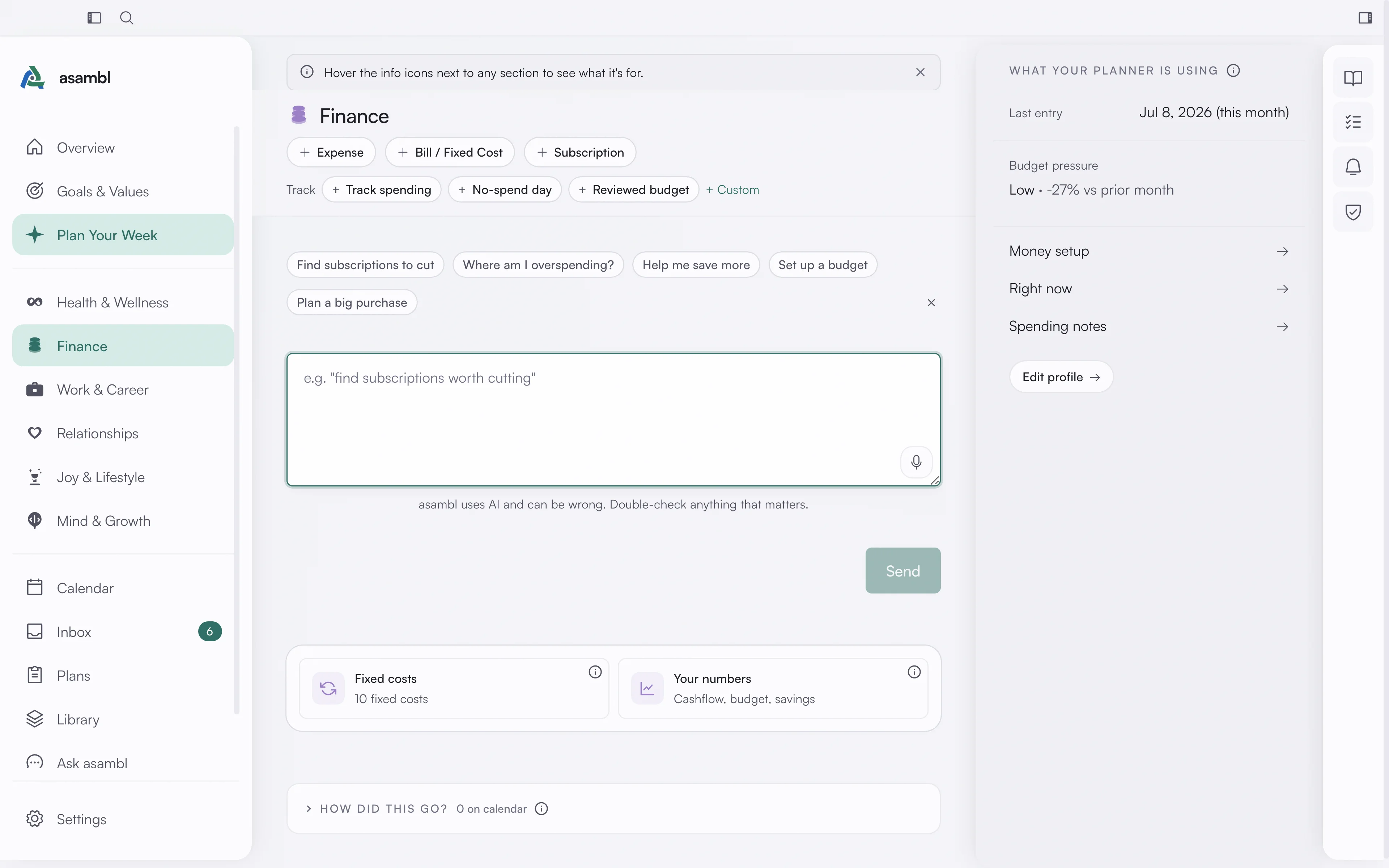
Fixed costs
Everything that leaves your account whether you think about it or not: subscriptions, rent, insurance, standing commitments. Logging them once is what makes the rest of the area work, because your fixed costs are the floor under every other number.
Spending
Log transactions as they happen, tagged by category. The categories carry one fixed colour across every finance surface, so a category you recognise in the donut is the same colour in the budget chart.
Your numbers
This is the analytical view, and it is built entirely from what you have logged.
- Monthly cashflow. Income against outgoings, month by month.
- Budget vs target. What you spent against what you meant to spend.
- Spending by category. A donut with a centre total, showing where the month actually went.
- Fixed costs. The composition of your standing commitments, as a second donut. Useful for the moment you realise how much of the month is spoken for before you decide anything.
- Net worth. A projection over a horizon you choose, from your debts and savings.
- Savings growth. How your savings build, with contributions and interest shown separately so you can see which is doing the work.
- Debt payoff. A timeline to clear what you owe at your current rate.
Cash savings and investments are tracked separately, since they behave differently. Holdings are recorded as part of this; asambl does not fetch live market prices, so the values are the ones you enter.
If a chart tells you to add something first, that is not an error. Cashflow needs income and costs; the net-worth projection needs debts and savings. They fill in as you log.
Starting targets
A short calculator turns your income and your goals into starting budget and savings targets, so you have something to plan against from day one rather than a blank field.
What the planner does with it
The Finance planner reads your profile, your fixed costs, and your logged spending when it drafts your week. A tight month produces different suggestions from a loose one, and a goal you have set under Finance is what it plans towards.
Finance also sees what is coming: a trip on your calendar is a cost before it is a holiday.
Where it lives
Finance stores its files under 20_Life_OS/Finance/:
20_Life_OS/Finance/
  Finance_Profile.md   income, fixed costs, debts, savings, holdings
  SpendingLog.md       your logged transactions
Plain Markdown, readable in any editor.