
Capture and your files
How to capture notes and entries, run your daily check-in, triage your inbox, and browse and search your local Markdown files.
asambl gives you fast ways to get things out of your head and into the right place, then tools to triage, browse, and find them later. Everything you capture is stored as plain Markdown in a folder on your computer.
Quick capture
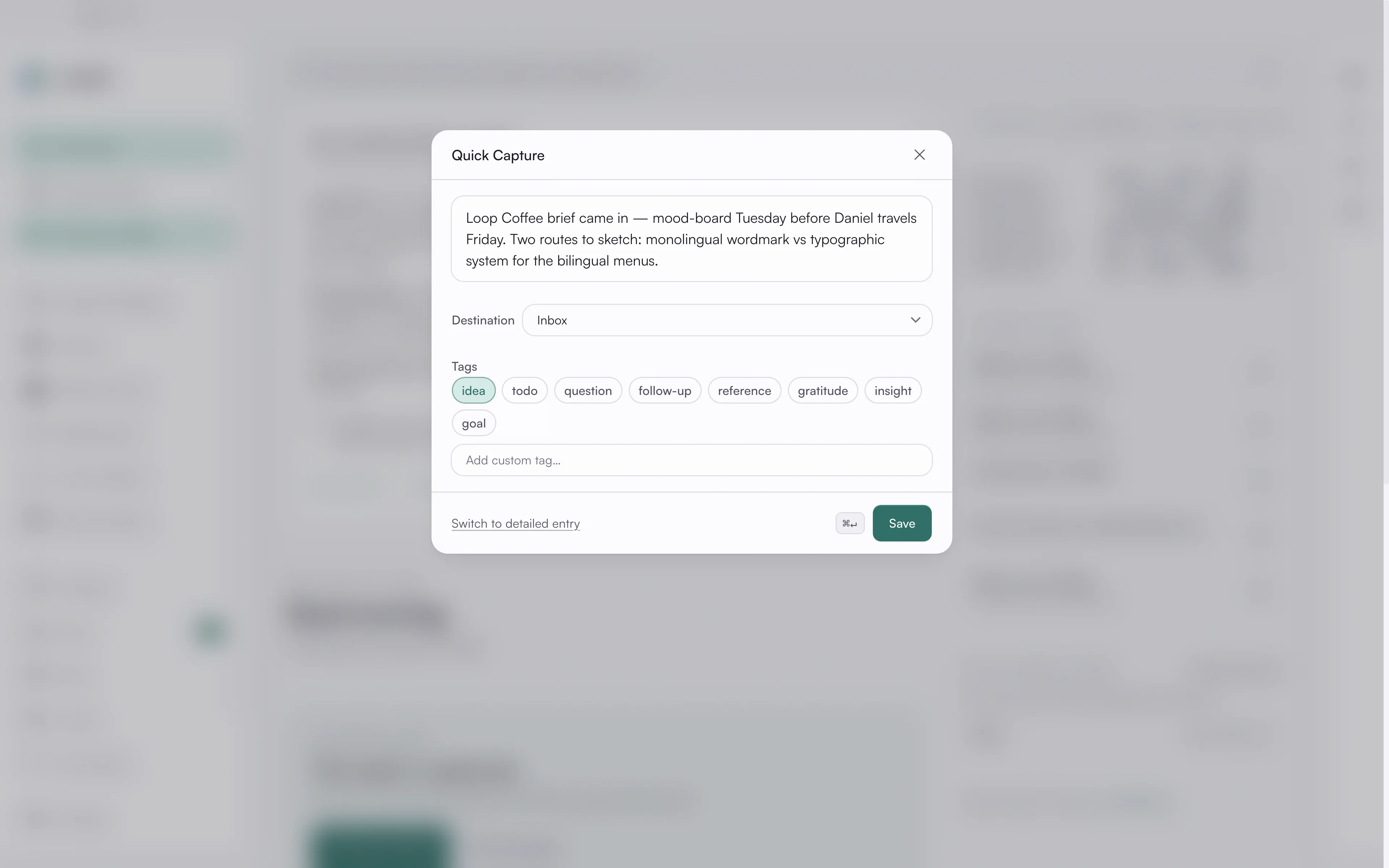
Quick capture is a lightweight note panel for whatever is on your mind. Type your
note, pick where it should go (the inbox by default, or a specific life area),
and add tags like idea, todo, question, or follow-up. Save with Cmd + Enter and
keep moving.
Cmd/Ctrl + Shift + C opens it from wherever you are in asambl, and it is in
the tray menu too.
Structured entries
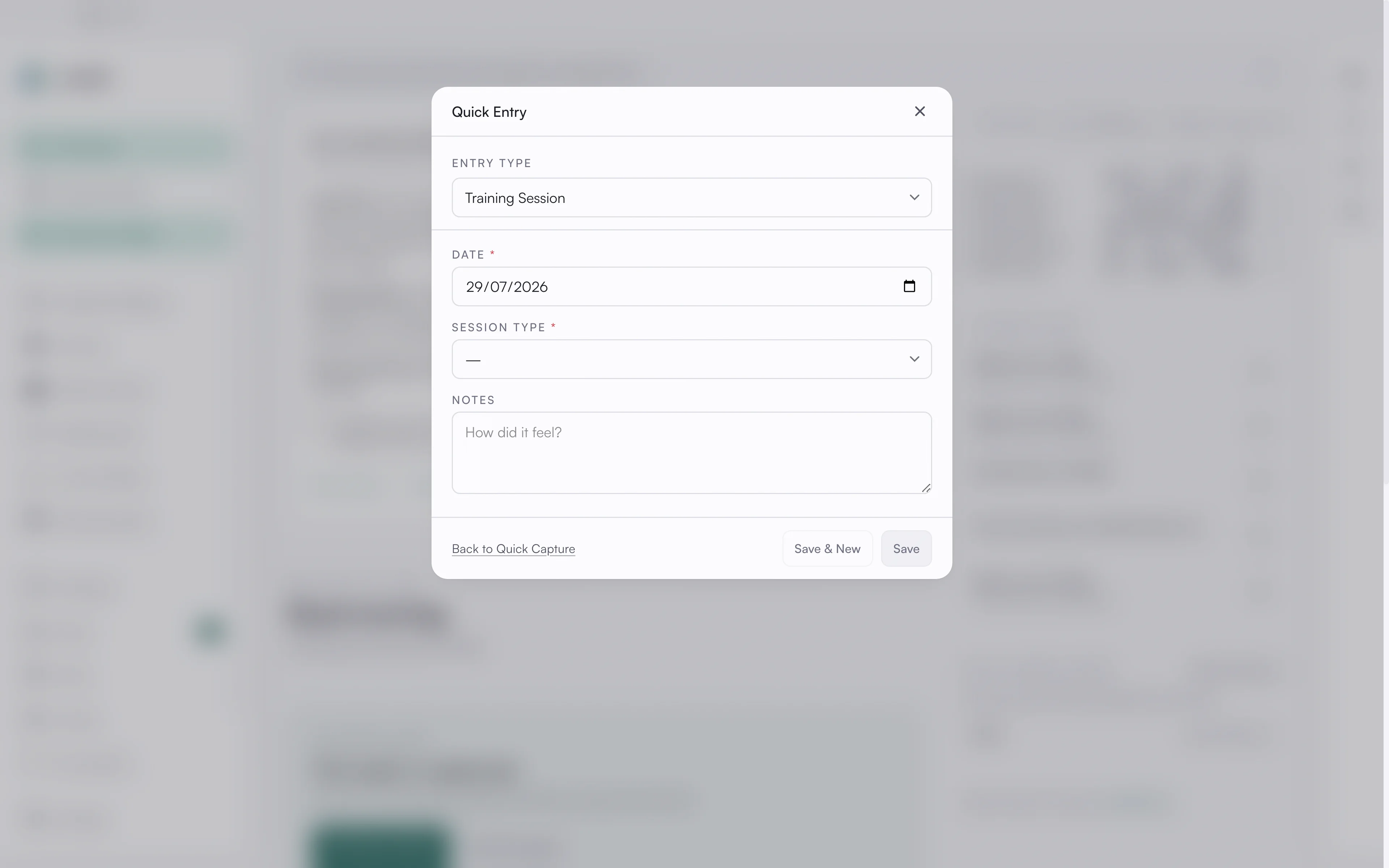
When you have structured data to log (a workout, a transaction, a relationship touchpoint), use a structured entry instead of a free-form note. The fields change with the entry type, so you only see what is relevant. Save and New keeps the form open so you can log several entries in a row.
Daily check-in and habits
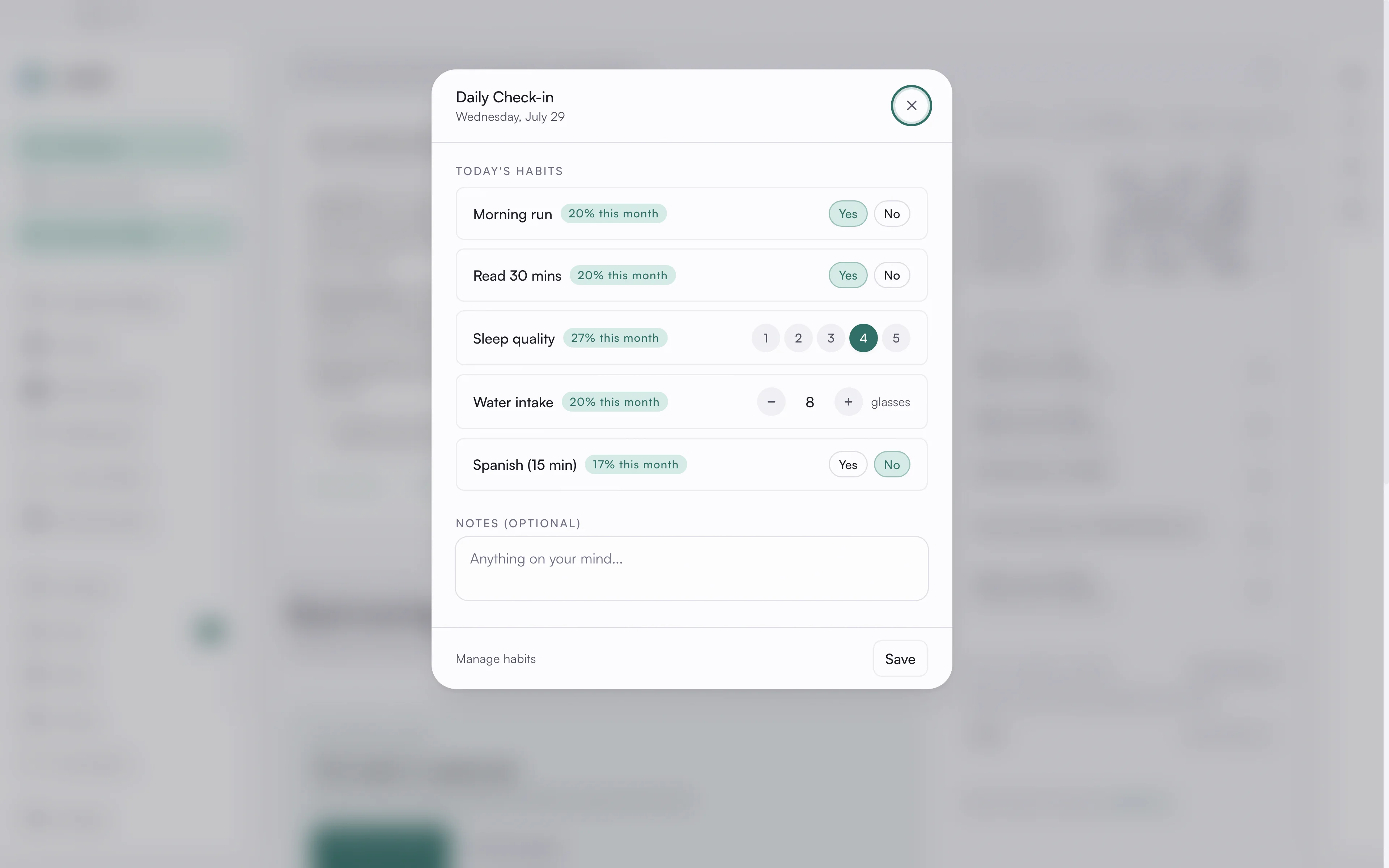
The daily check-in is a one-minute ritual for tracking your habits. Each habit is recorded as Yes/No, a scale, or a quantity with a unit. Habits show streaks as you keep them up, and the dashboard shows your daily completion broken down by life area.
Define which habits you are tracking in Mind & Growth.
Your inbox
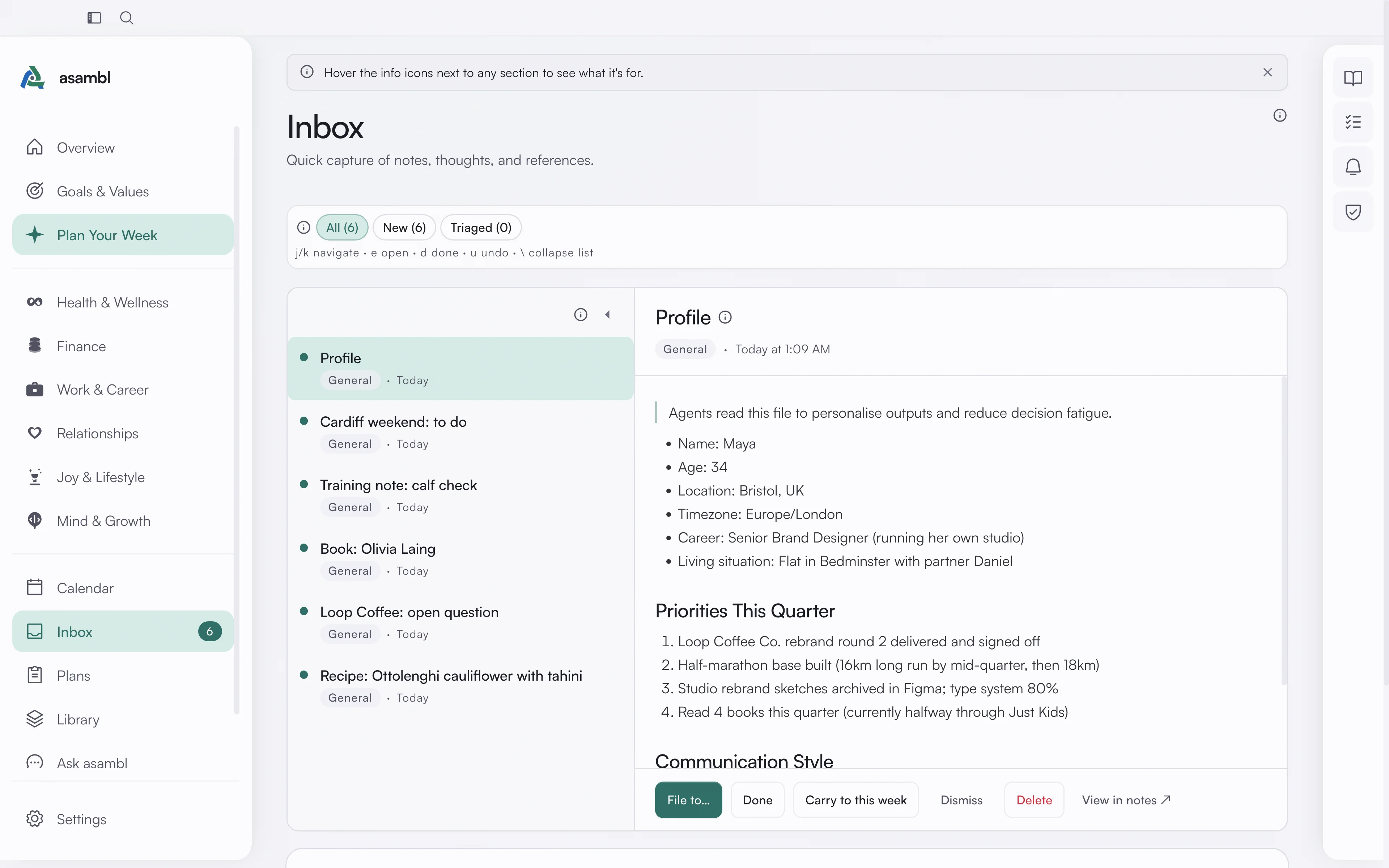
Everything you capture lands in the inbox until you triage it. Open an item and file it to a life area, mark it done, or delete it. Filter the view by All, Unread, or Done to focus on what is left. Undo tracks your last 20 actions, so a misfile is easy to reverse, and the sidebar badge shows your unread count.
A to-do you tag here, or send from your phone, lives in this inbox. It is separate from the Tasks panel in the side rail, which is the standing list you keep yourself. See Journal, Tasks, Reminders & Admin.
Library
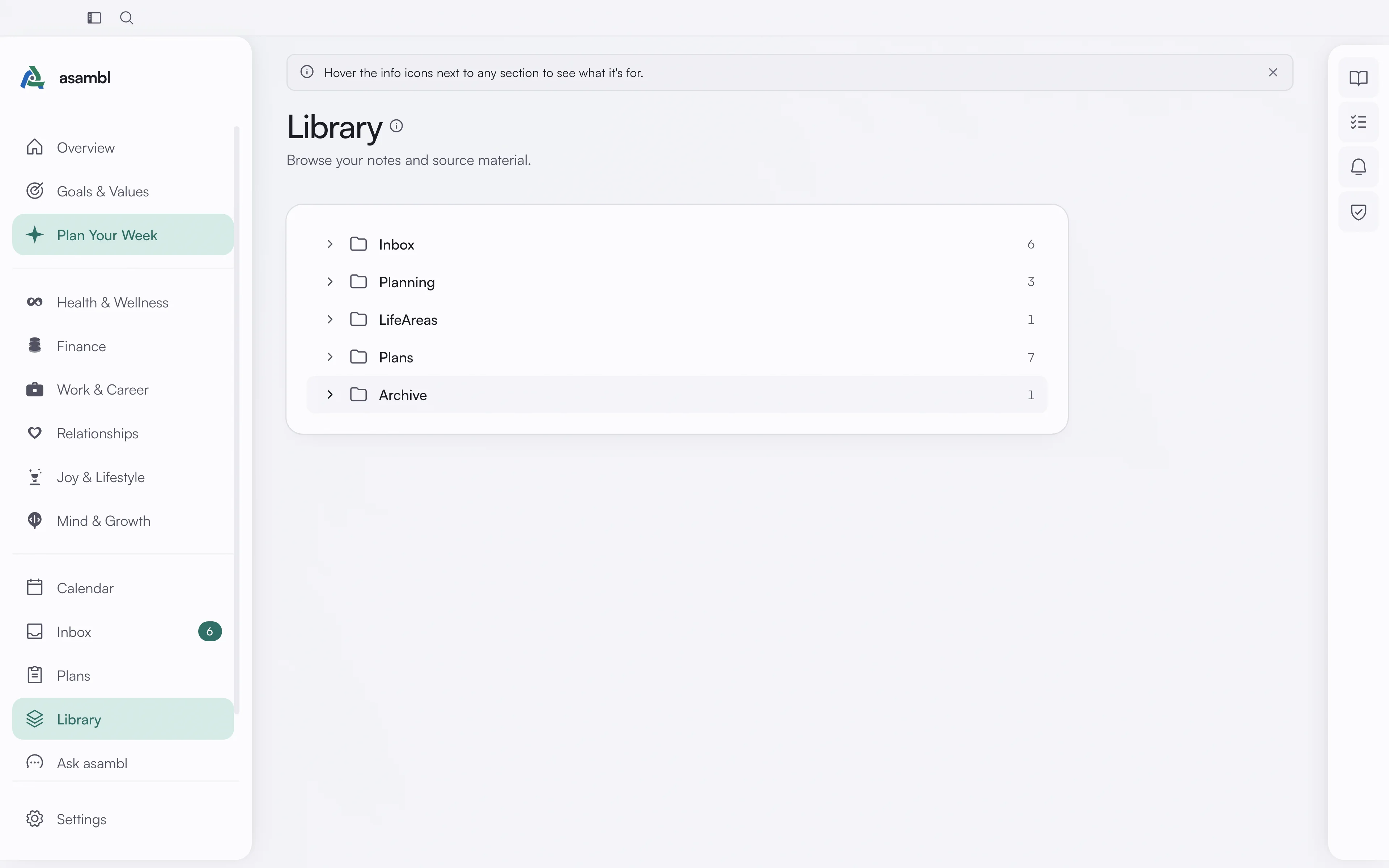
The Library is a built-in browser for your files. Your notes, plans, and entries are stored as plain Markdown in a folder on your computer. Browse by folder and open any file inside asambl. Because it is standard Markdown, you can also open the same folder in Finder or a code editor and work with it however you like.
Version history. asambl keeps the last ten versions of every file. Open a file's history from the Library to see earlier versions and restore one, which makes editing safe: an edit you regret, or a change asambl made that you did not want, is recoverable rather than gone.
Command palette
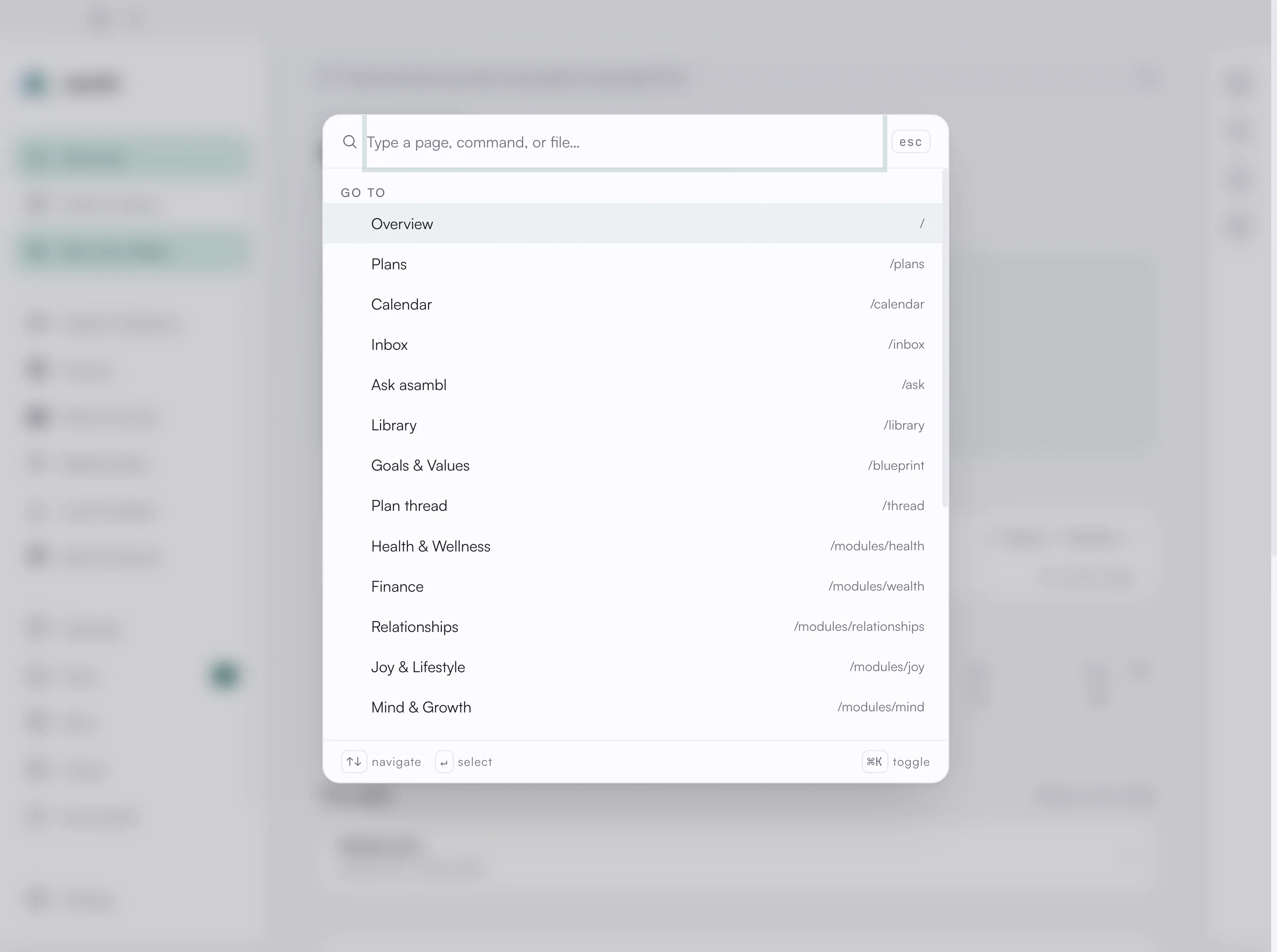
Press Cmd + K (Ctrl + K on Windows) to open the command palette, or click the
search icon in the title bar. It is one bar for three things: jump to any page,
run a command, or search across your files.
Start typing and asambl matches your pages and commands, and runs a full-text search over your notes, plans, and entries. Pick a file result to open it in the Library. Arrow keys move through the list, Enter opens the highlighted result, and Esc closes the palette.
Where it lives and when AI is involved
Everything here stays on your machine. Full-text search, semantic search, and embeddings all run locally on your device. When AI is on, only the prompt for a given request goes to asambl's managed AI endpoint. You can switch AI off, and capture, triage, and search all keep working. See Settings.
Journal, Tasks, Reminders & Admin
Four quick tools in the desktop side rail, one click away on every screen. A daily journal, a task list with routines, reminders that notify you, and a tracker for renewals.
Ask asambl
A conversational assistant built into the app that answers questions about your week, habits, goals, and life-area data, and can act on your answer once you approve it.