
Your first run
What setup asks you, why it asks it, and how you finish holding a drafted week rather than an empty screen.
Setup is a conversation, not a form. asambl asks one question at a time, uses your answers to work out what a good week looks like for you, and drafts your first weekly plan before you finish. You land on your home screen already holding a plan.
It runs in six moves.
1. Setup
The opening questions establish who you are planning for. You pick the life areas you want asambl to plan with you: Health & Wellness, Finance, Work & Career, Relationships, Joy & Lifestyle, and Mind & Growth. Life Planner is always on and cannot be turned off, so the weekly rhythm itself always has a home.
Turn on what you are ready for. An area you leave off stays out of your week entirely, and you can add it later without redoing anything.
2. The essentials
For each area you turned on, asambl asks for a few real details: what you are working towards, what you already have in place, the people and commitments that matter. These are short answers, and this is the step that makes the difference between a generic plan and one that fits.
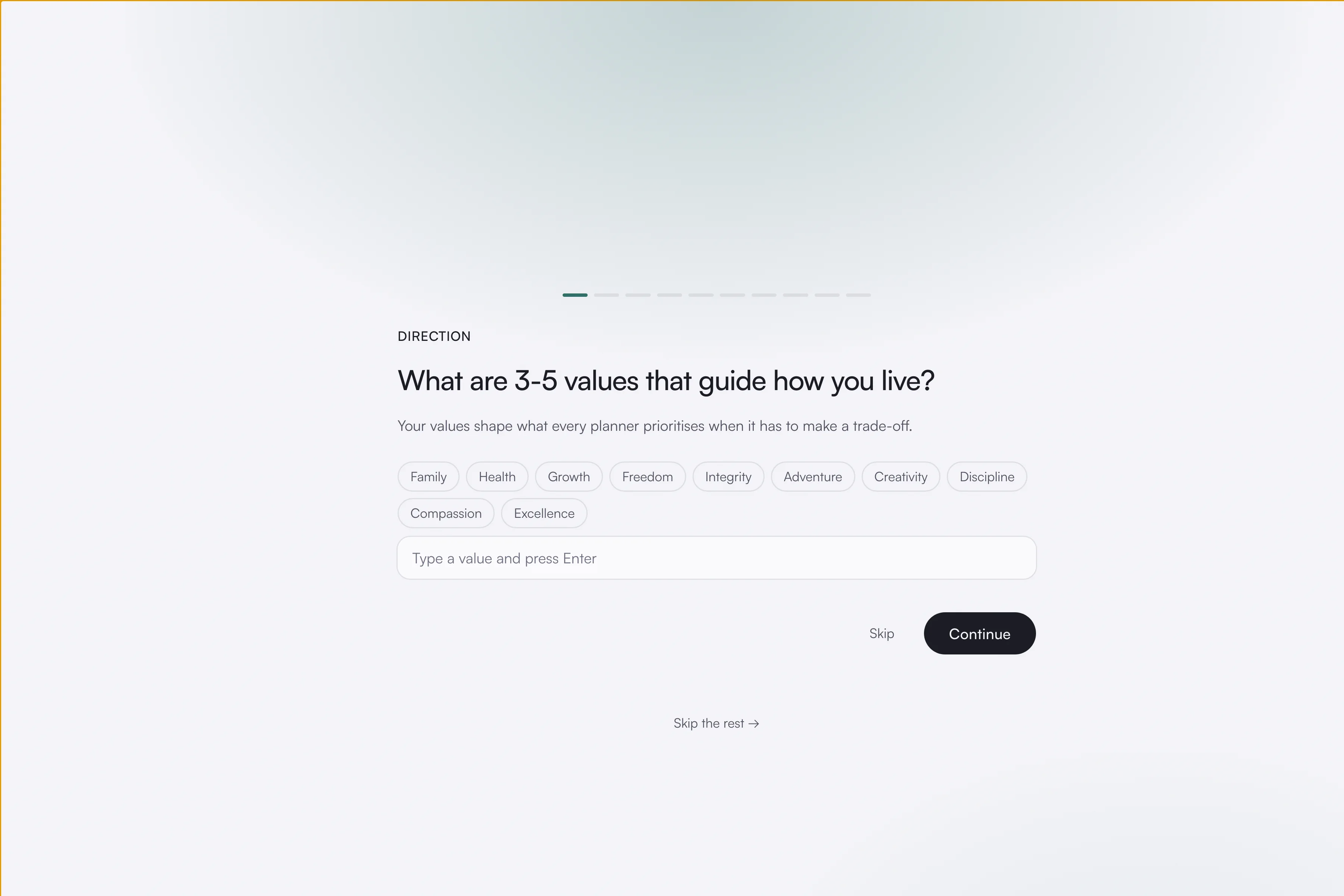
You can skip this step, either one question at a time or all at once. If you do, the areas still install and you fill them in later at your own pace.
3. What it understood
asambl reads your answers back to you. This is where it tells you what it thinks a good week looks like for you and what it thinks keeps slipping, drawn from what you just said rather than from a template.
Correct anything it has wrong before moving on. It is faster to fix here than to argue with a plan built on it.
4. Connect your calendar
Optionally connect Google Calendar. asambl plans around what is already committed, so connecting means your first draft works around your real week rather than an empty one.
During the beta, Google Calendar connects only for accounts on the beta allow list. If it does not connect first time, that is why. Open Settings, go to Integrations, and request access from there. You can skip this step entirely and connect later, or never; everything else works without it.
5. Drafting
asambl builds your first weekly plan. This is the same machinery that runs every week from here on: a planner per life area, working in parallel, reconciled into one week. See How planning works for what is happening underneath.
6. Where to go next
Setup finishes by pointing you at the few things worth doing first, based on what you set up rather than a fixed checklist.
After setup
Your home screen is the calm overview of the week. My Day shows your priorities and today's schedule, This week's plan links to the plan you just drafted, and the actions from your committed plan appear as a checklist you tick off through the week.
From here, read Weekly planning for the ritual you will run each week, or Life areas for how the areas you turned on hold your context.